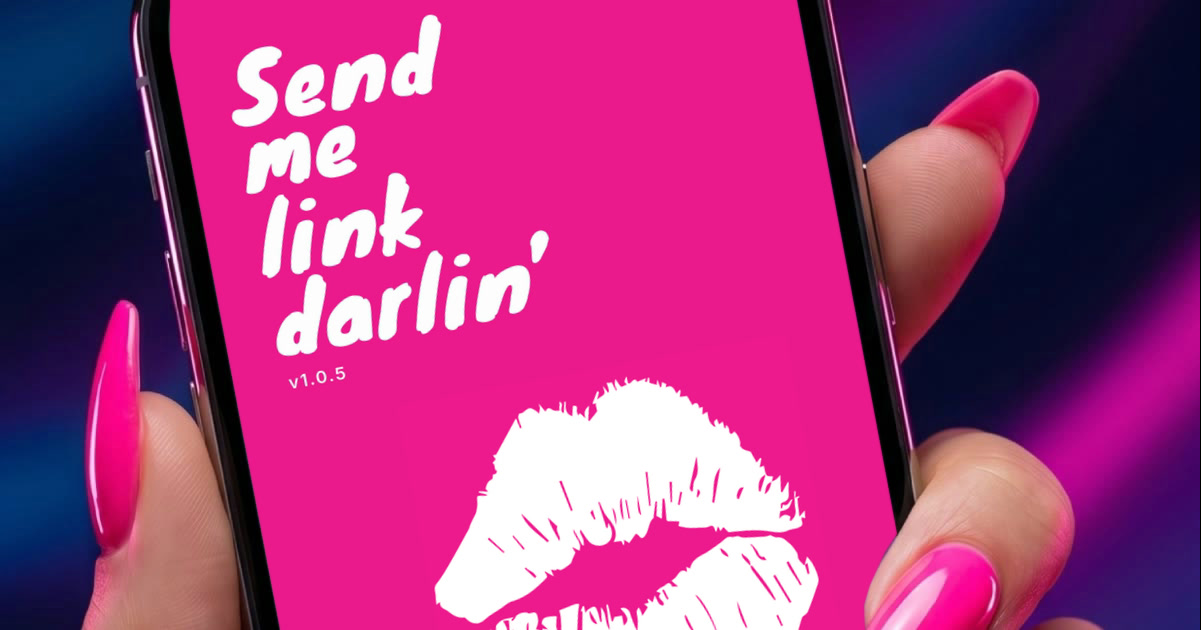
Send me link darlin’
Turn photos into smart links
Smld turns a photo of a screen into a link you can tap and share. Built in Flutter for iOS and Android; the store release is on its way.
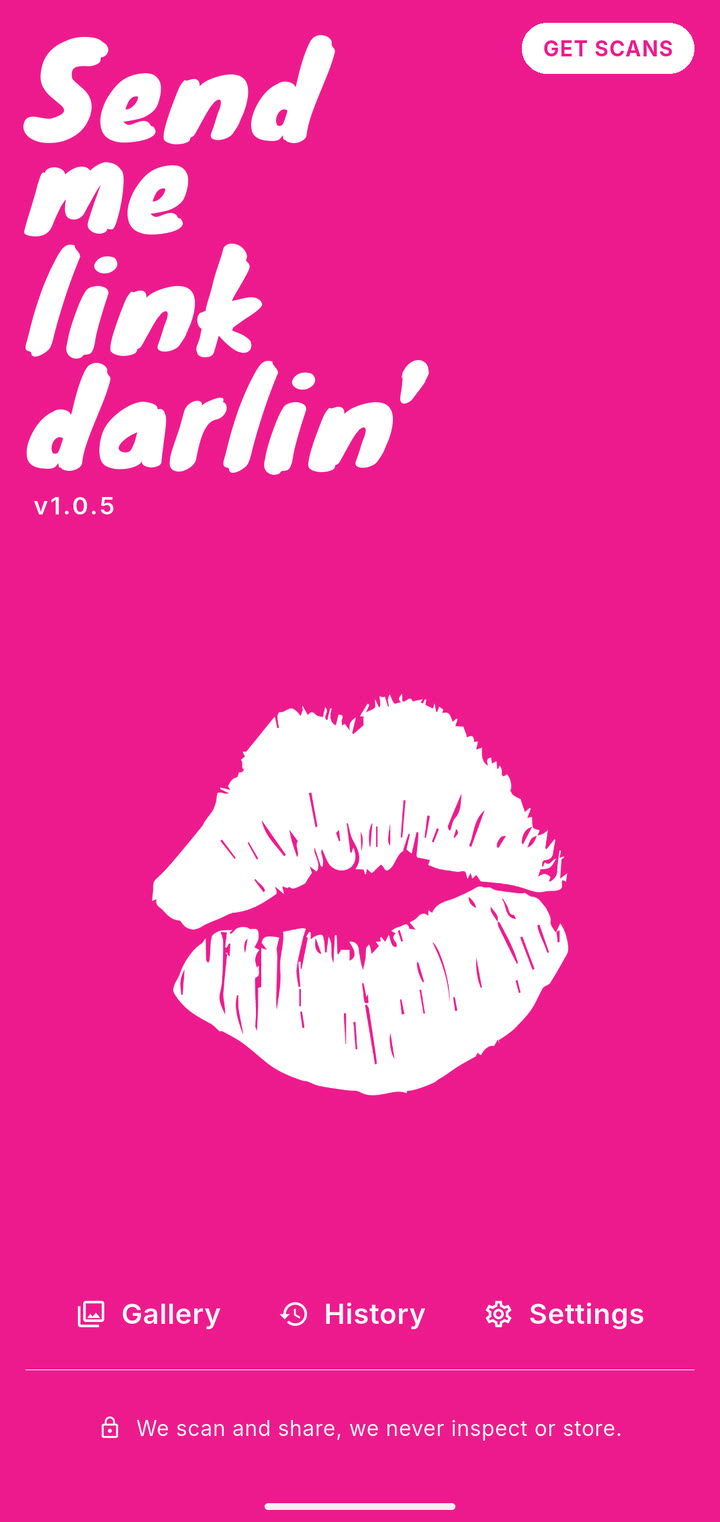
01 Tap the kiss to open the camera, or pick a photo from the gallery. 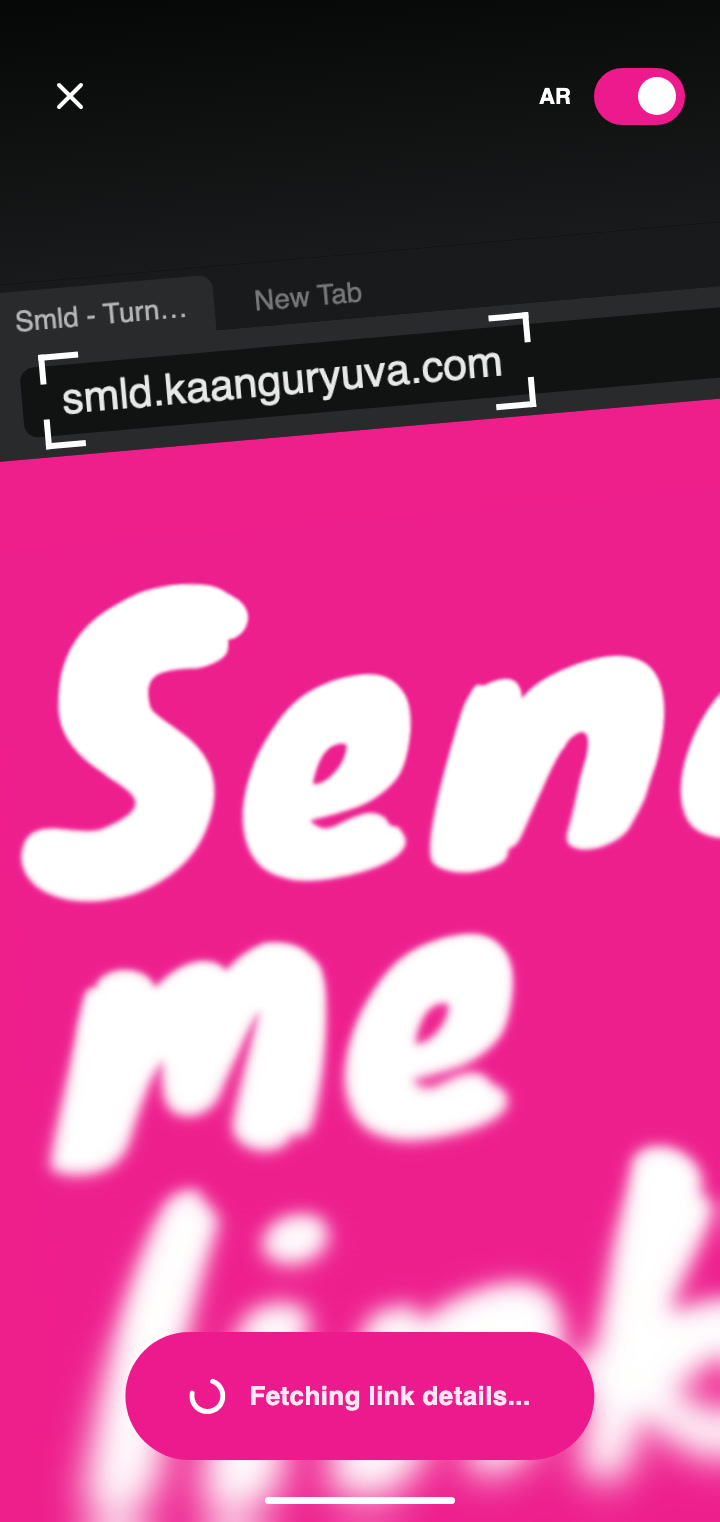
02 Point it at any screen with a link on it. 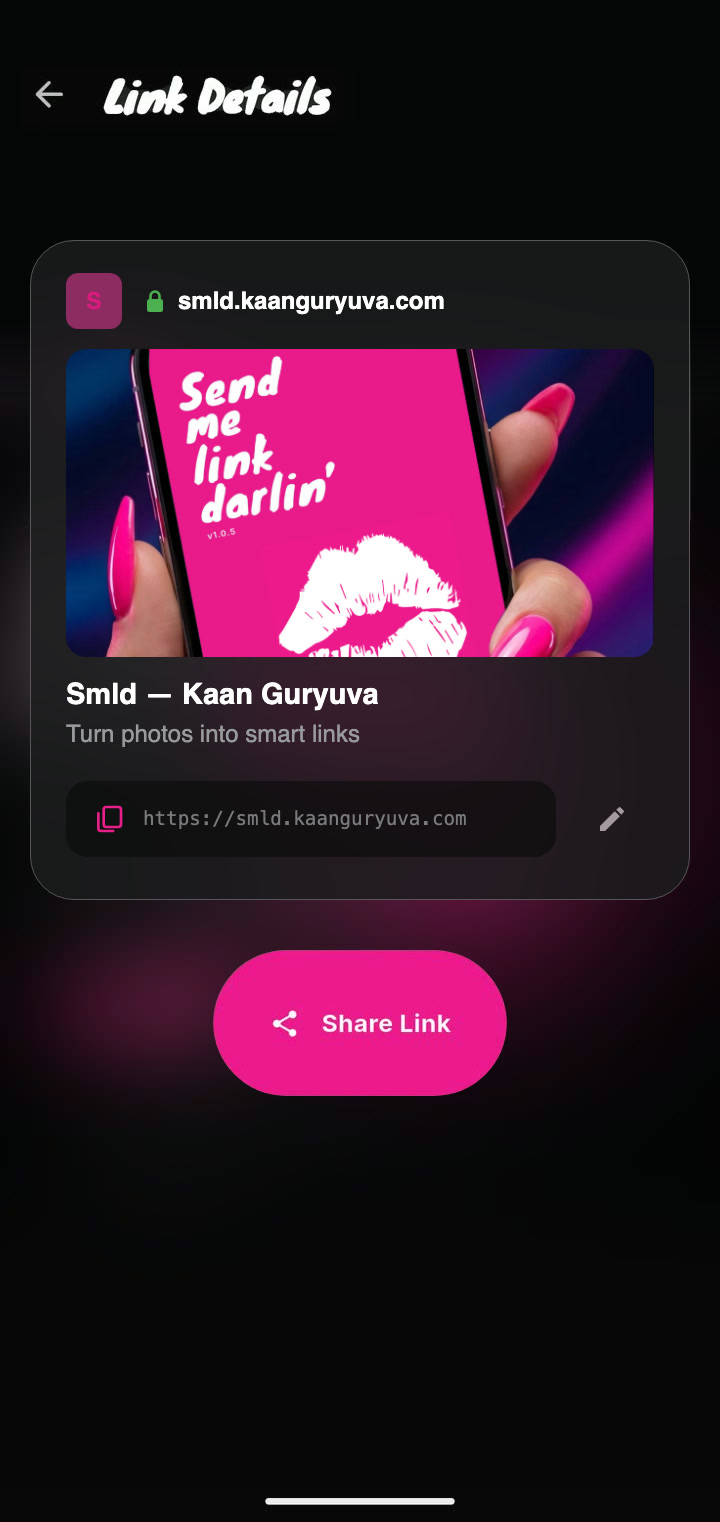
03 Smld finds the address, fixes what the camera got wrong and builds a preview. 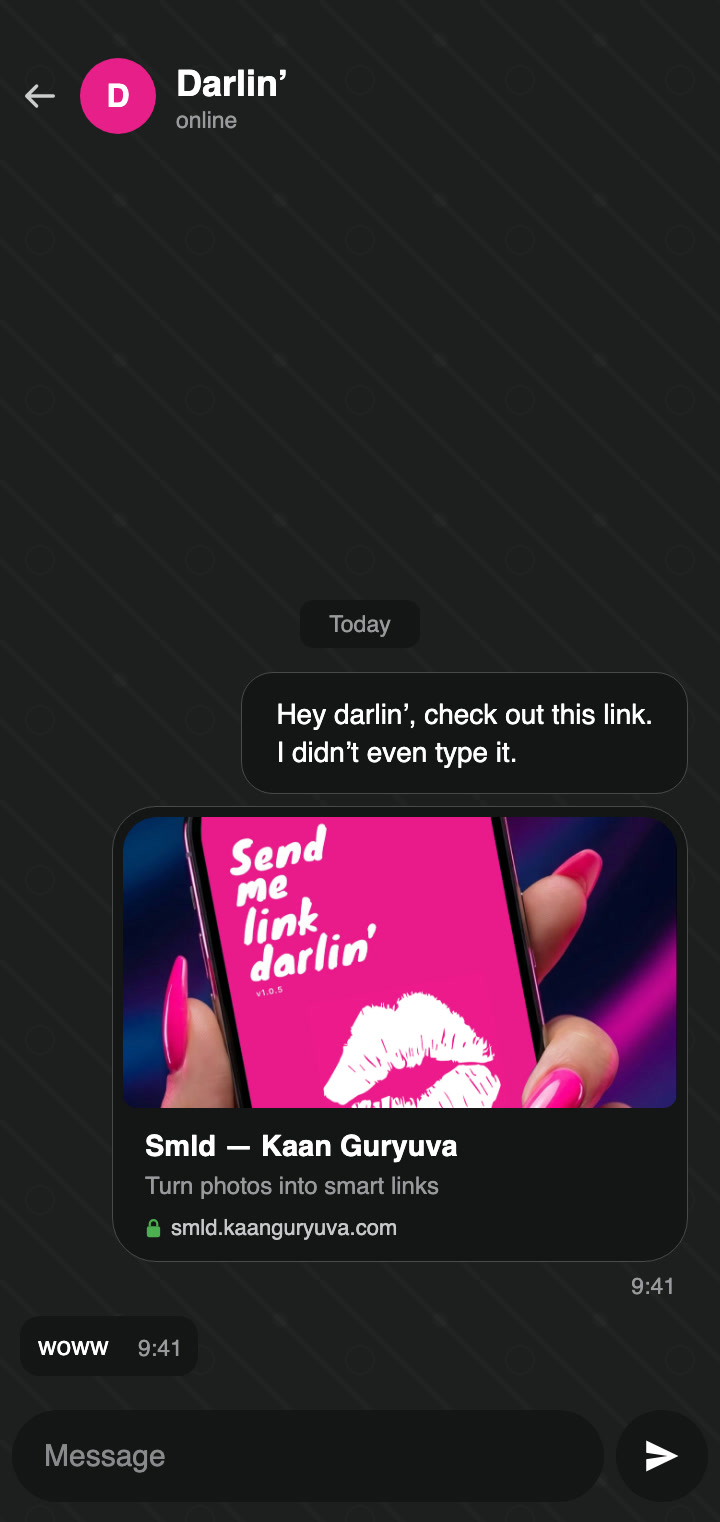
04 Send it. Darlin’ gets the link, and the reply writes itself.
Be lazy with AR Scan
Turn on AR and Smld watches the camera for you, reading it on the phone itself. The moment a link shows up, it gets pink brackets and Smld takes the photo on its own. No shutter to press.
Two ways to read a link
- Google Cloud Vision0 scans left
- On the phone · ML Kiton the device
When a free user runs out of scans, Smld warns them and, if they go on, reads the photo on the phone with Google ML Kit instead of Google Cloud Vision. It never stops working; it just reads a little less accurately.
- Pink launch screen with a larger white kiss
- Gallery picks photos through the system photo picker, with no photo access permission
Send me link darlin’ was a mailing list from our university days. Whenever someone found a link they liked, they emailed it to the group and everyone got it. That is where the idea came from, and the name too: Smld is a small tribute to those days.