When I first got my hands on the Pi Zero, I tried to understand what it was by examining it. Initially, I wasn’t very excited, but after some research, I was quite surprised to learn that this little device had its own operating system, could be connected remotely like a server, and could run many different services, both necessary and unnecessary.
This article is not about how to install or configure a Pi-hole. There are plenty of articles online about that. What I want to share is what I learned while working on this project.
Since this little Zero was the only device I had at first, I started all my experiments on it. Alongside setting up Pi-hole, I tried to run services like a web server on this small machine at the same time. Of course, even the smallest mistake could crash this device, which provided DNS service to the entire household, leaving us without DNS until I fixed it.
If you give a machine a critical task, don’t overload it, especially if it has limited resources like the Zero.
This was the critical lesson I learned during my first steps into the self-hosting world. If you assign a critical task to a machine on your network, let it do its job and continue your experiments or tests on other machines if possible. Since then (about 2 years ago), this little machine has been running smoothly and has provided us with a cleaner internet service, free from ads.
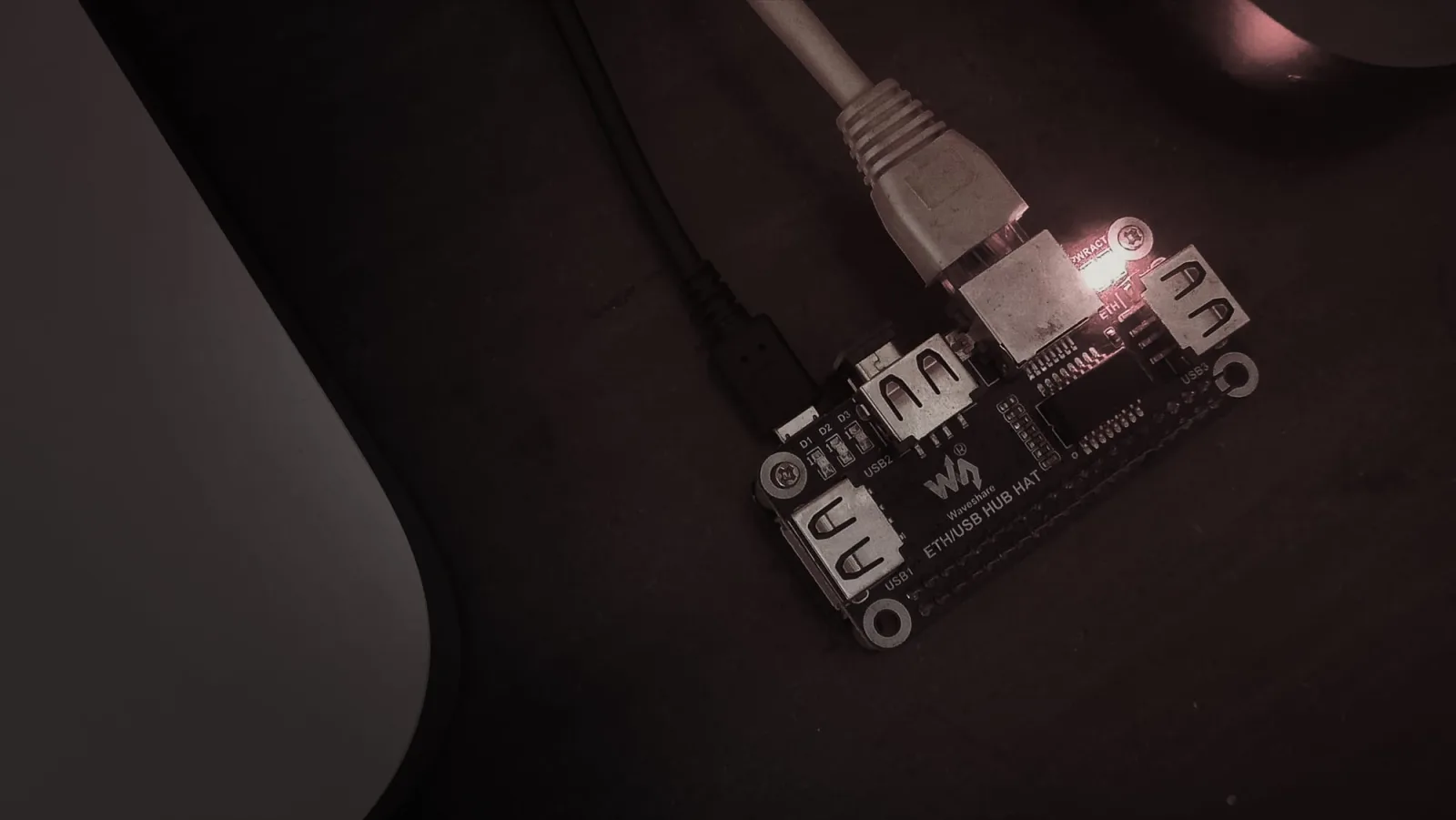
The HAT I used with the Zero: Waveshare Ethernet / USB HUB HAT for Raspberry Pi, 1× RJ45 Ethernet port, 3× USB ports.